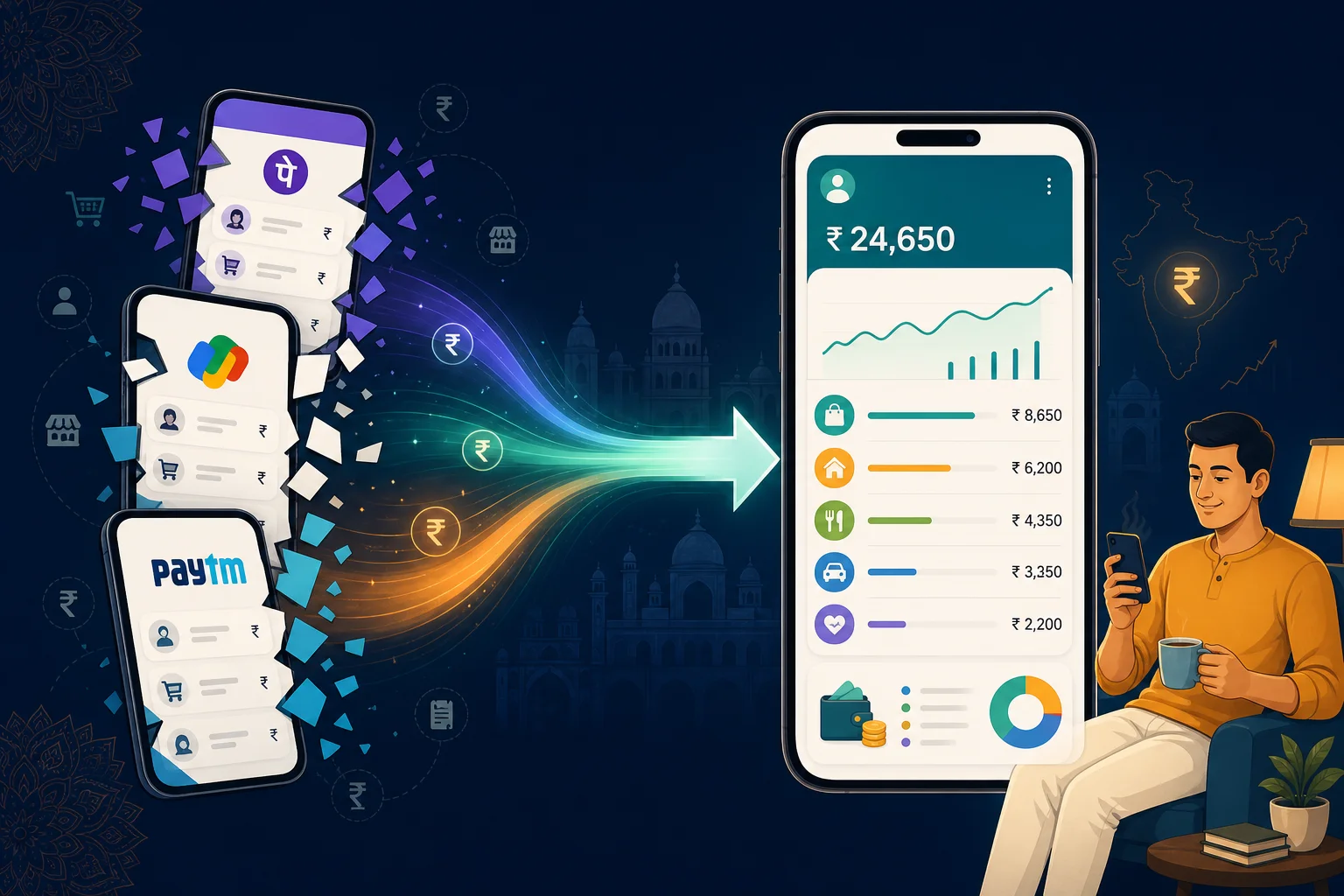

In short: PhonePe keeps it under History, Google Pay under Manage your money, and Paytm under Balance & History. Each app only shows payments made in that app, so your bank statement is the only complete UPI record. To see everything in one list without checking each app, track your payment SMS in one place.
UPI is now how most of India pays for almost everything. NPCI data reported for September 2026 shows about 24.07 billion UPI transactions worth around ₹29.37 lakh crore in a single month, roughly 800 million a day (Outlook Money). With that many small payments, finding one specific transaction, or simply seeing where the month went, gets harder.
Here's where each app keeps your history. App menus change between versions, so if a label looks different, look for the closest match.
PhonePe
- Open PhonePe and tap History on the home screen.
- Scroll or search for the payment. Tap it to see the UPI reference number and status.
- To download, tap Download Statement, pick the months or financial year, and tap Proceed.
PhonePe asks you to add and verify an email address before it sends a statement (PhonePe help).
Google Pay
- Open Google Pay.
- Under Manage your money, tap See transaction history.
- Tap any payment to open its details.
Google notes that this list only contains payments made through Google Pay, not all your UPI or bank transactions (Google Pay help). If history won't load, update the app and check you're signed in with the right account.
Paytm
- Open Paytm and go to Balance & History.
- Find the payment in the list, or choose the option to download a UPI statement.
- Pick a date range or financial year and download it as PDF or Excel.
Paytm added UPI statement downloads, including an Excel format, in 2025 (Business Today).
Why no single UPI app shows everything
Each app only knows about the payments made through it. If you paid rent on PhonePe, groceries on Google Pay and a Paytm QR at the chai stall, your history is split across three apps. Add card payments and cash, and none of them shows your actual month.
The only complete UPI record is your bank statement, because every UPI payment debits a bank account. Each entry carries a UPI reference number, which you can match against the reference shown in the app when something looks wrong.
A payment failed but money was debited. What now?
Open the payment in the app you used and check its status. A pending payment often settles or reverses on its own. If it doesn't, raise a complaint from the payment's detail screen in the same app and keep the UPI reference number handy. If that doesn't resolve it, contact your bank with the same reference number.
Seeing every payment together
Checking three apps and a bank statement every month isn't realistic. What does work is collecting payments as they happen. Your bank sends an SMS for most debits, whichever UPI app you used. Our guide to tracking PhonePe, GPay and Paytm payments together explains the approach, and the auto-tracking setup guide shows how Mera SMS can turn eligible payment messages into expenses in Mera Kharcha. It's optional, and you can add cash payments yourself so the month is complete.
Common questions
How can I see all my UPI payments in one place?
Your bank statement lists every UPI debit, whichever app you used. For a running view during the month, track payment SMS in one app or record each payment yourself.
How do I download my UPI statement?
In PhonePe, open History and tap Download Statement. In Paytm, go to Balance & History and choose the UPI statement option. Google Pay shows history in the app; your bank statement is the formal record.
Does Google Pay history show payments made in other UPI apps?
No. Google says its transaction history only includes payments made through Google Pay, not all UPI or bank transactions.
Where do I find the UPI reference number?
Open the payment's details in the UPI app you used. The same reference appears against the debit in your bank statement.