

SMS APP FOR ANDROID
Less spam.
OTPs in one tap.
Bank alerts, OTPs and offers stay apart from personal chats.
Block spam senders and find any message fast.
Available now on Android. Free with ads.
No account needed to text. Set Mera SMS as your default SMS app.
Each in its own place.
OTPs, bank alerts, offers and spam, kept apart.
Personal messages stay easy to find.
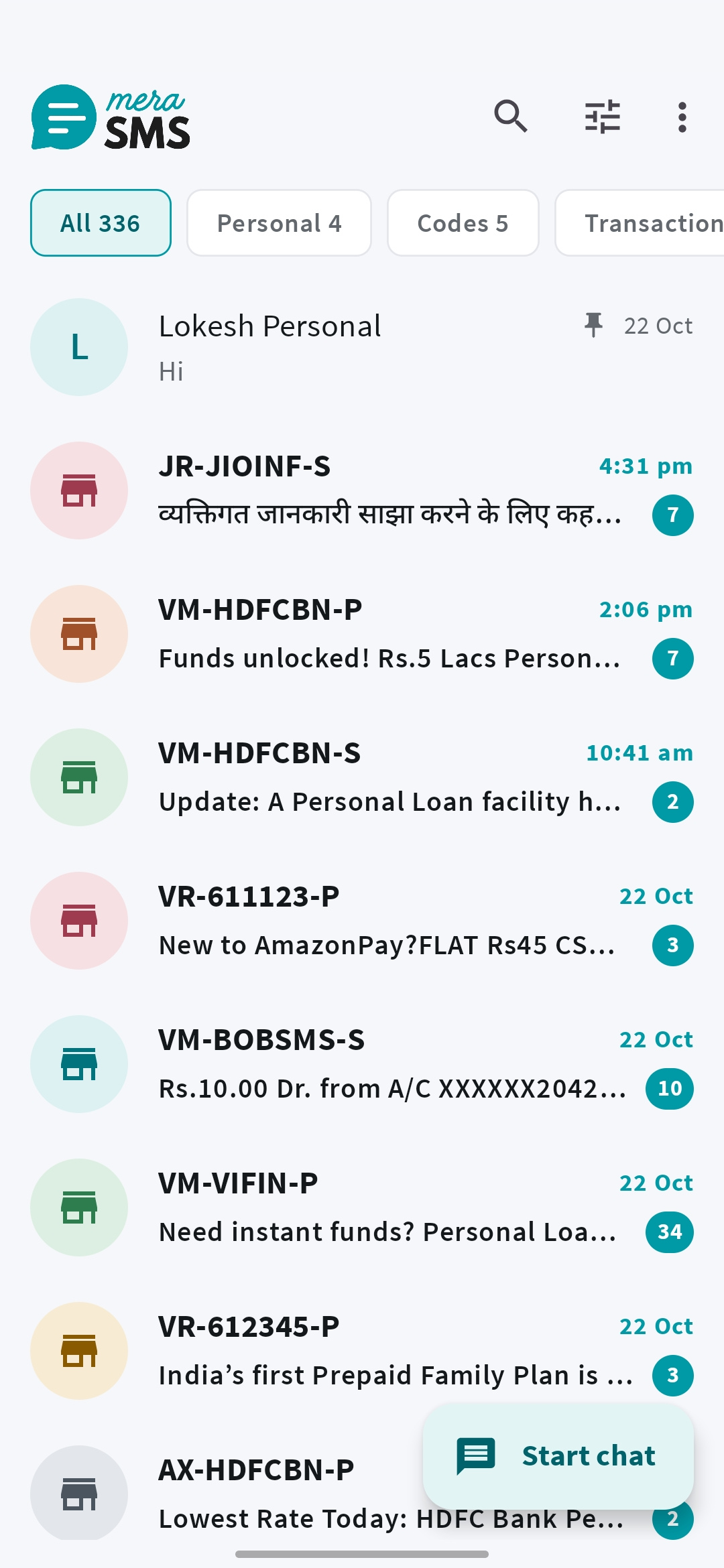
01Clean interface
A simple SMS app without the clutter.
An Android SMS app built around everyday conversations. Read, search, and reply from a simple inbox, with the useful controls close at hand.
- Pin the conversations you return to.
- Archive quiet chats and star messages worth keeping.
02Filters & search
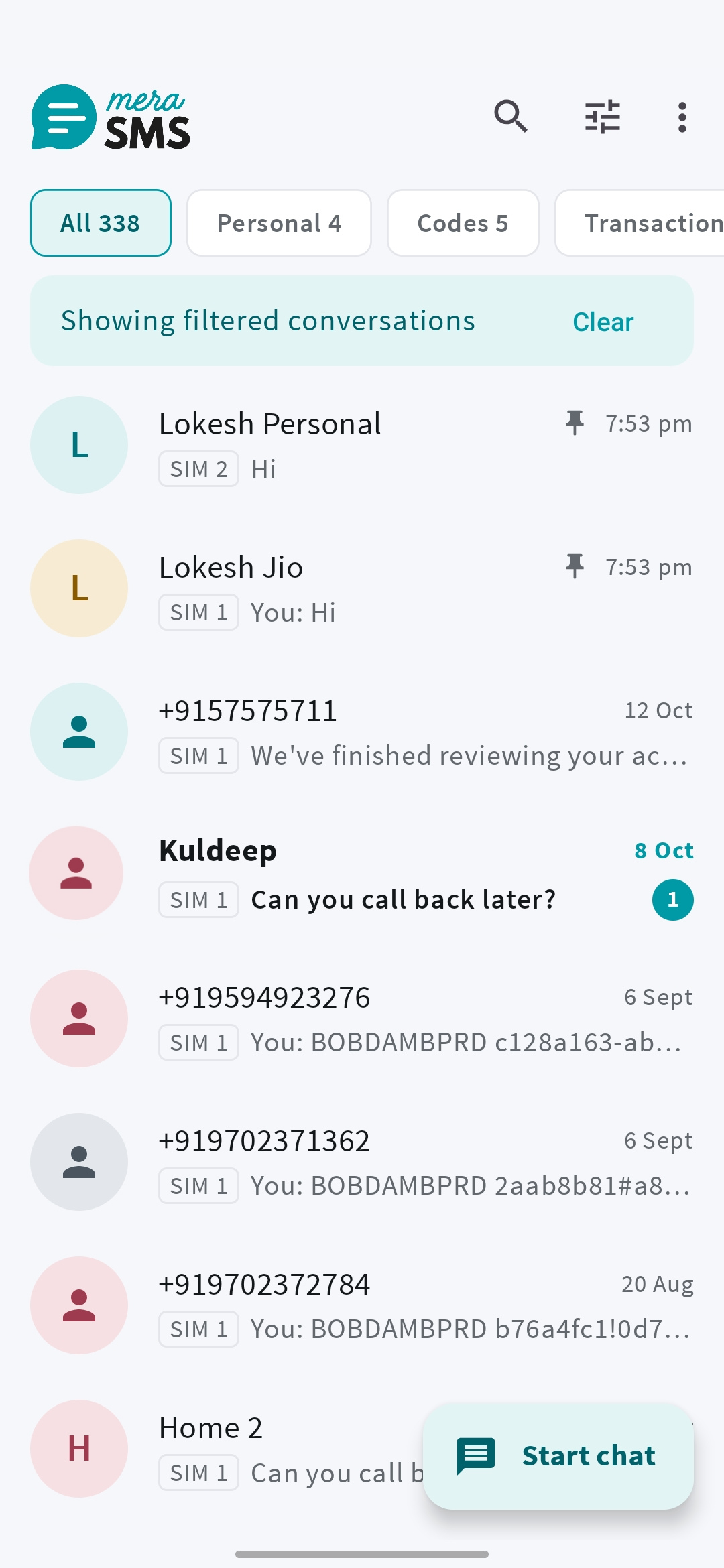
Search old messages by sender, date or word.
Search message text or combine filters to find exactly what you need. Narrow by unread status, SIM, sender, date, codes, links, amounts, or starred messages.
- Save useful filters as your own folders.
- Return to the same view without setting filters again.
03Block unwanted SMS
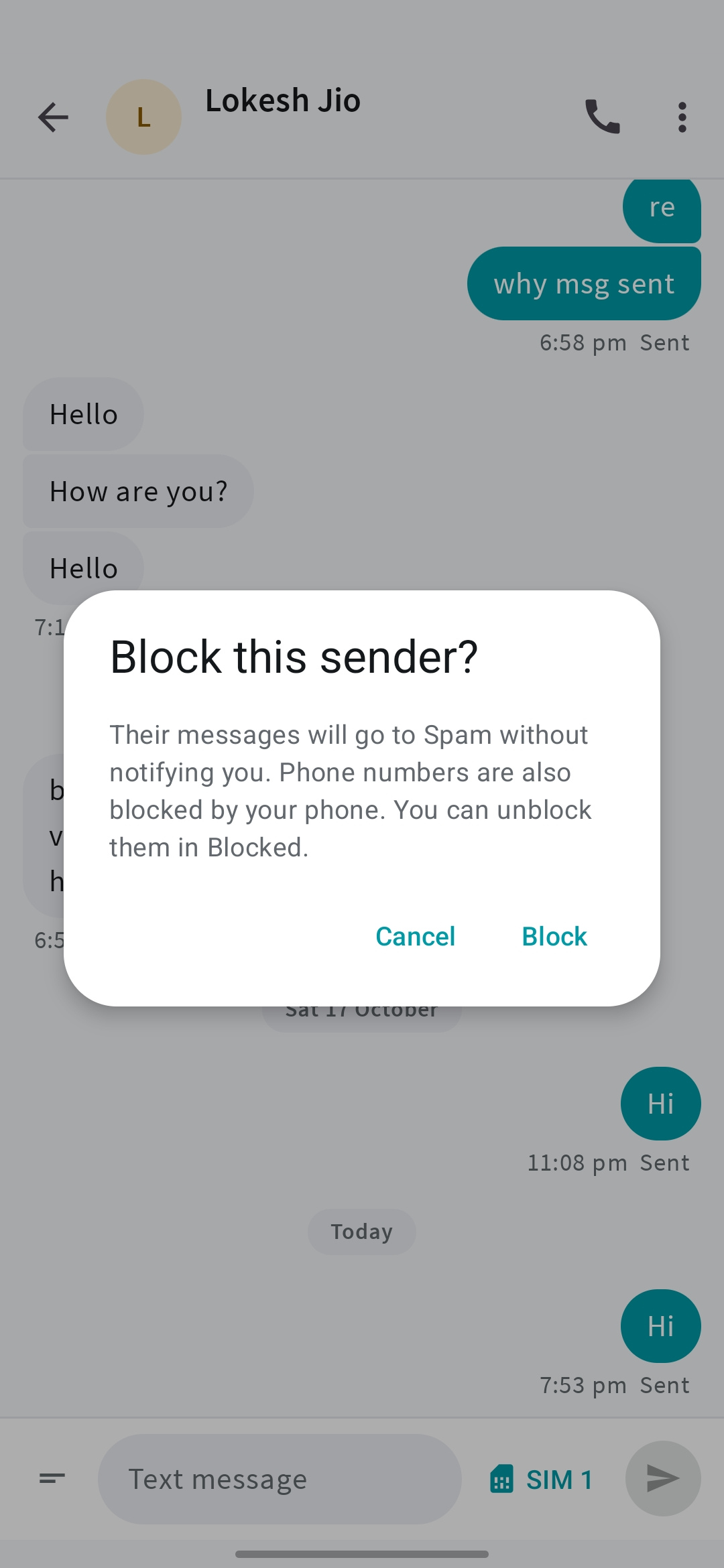
Block spam senders and unwanted words.
Block a sender or messages containing chosen words. Mute a noisy conversation when you want to keep its messages without being interrupted.
- Control unwanted senders and words.
- Keep notification settings in your hands.
04Spam detection
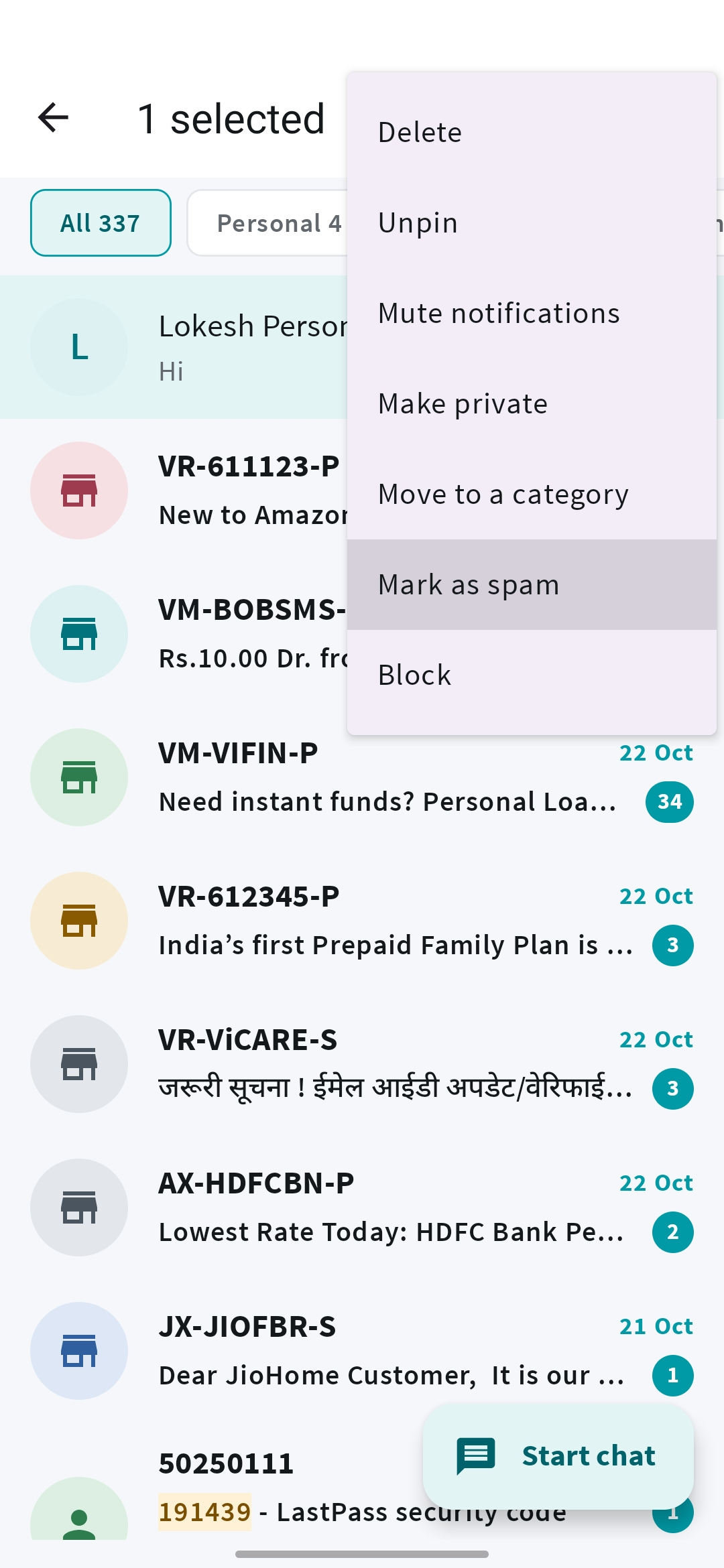
Spam goes to its own folder.
On-device rules help separate spam from the messages you want. Spam stays in its own folder and is silent by default, so your main inbox is easier to use.
Detection can make mistakes. Check the spam folder occasionally and adjust sender categories when needed.
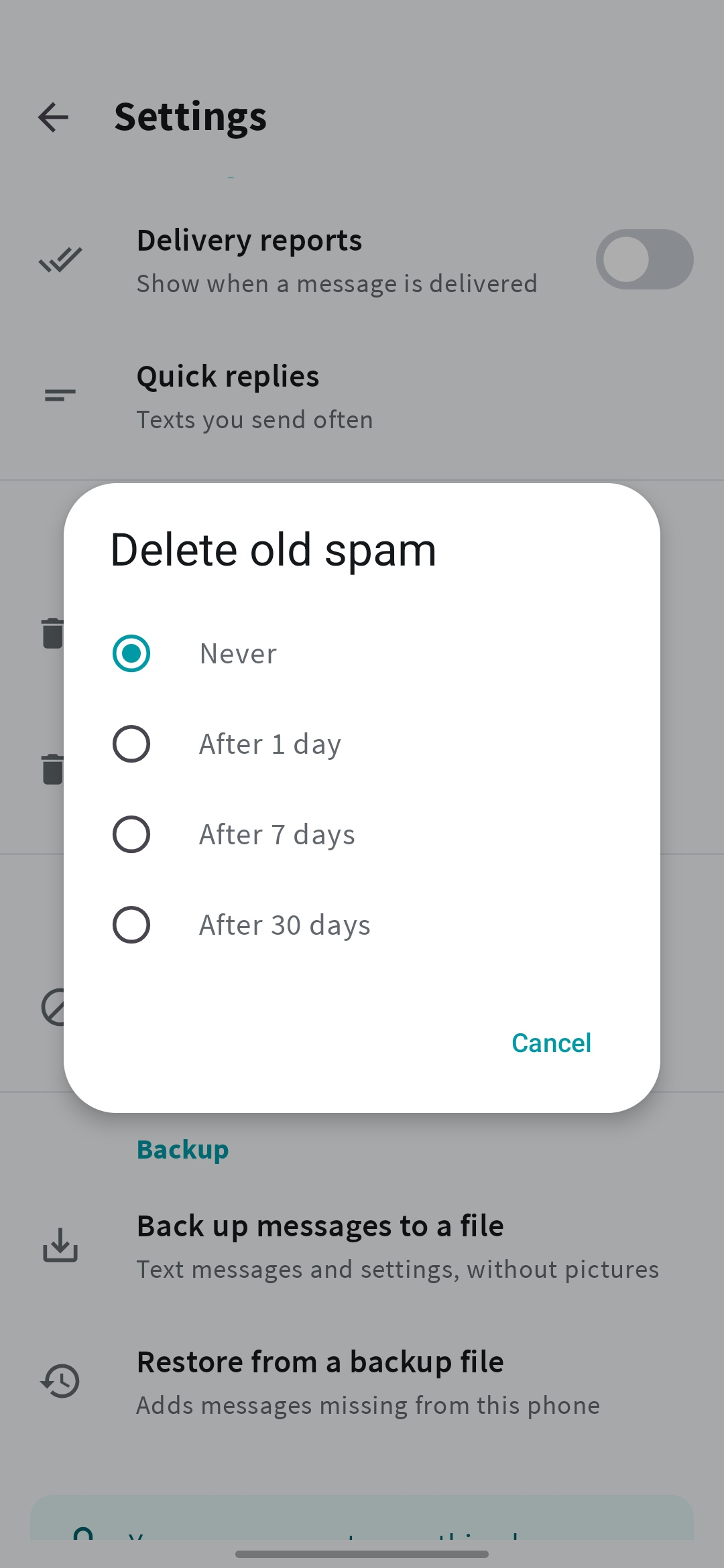
0530-day spam cleanup
Auto-delete old spam and OTPs.
Turn on automatic cleanup to remove spam after 30 days. You can choose 1, 7, or 30 days for old spam and codes, keeping yesterday’s clutter out of tomorrow’s inbox.
Cleanup runs when you open the app. Deleted messages cannot be restored unless you have a backup.
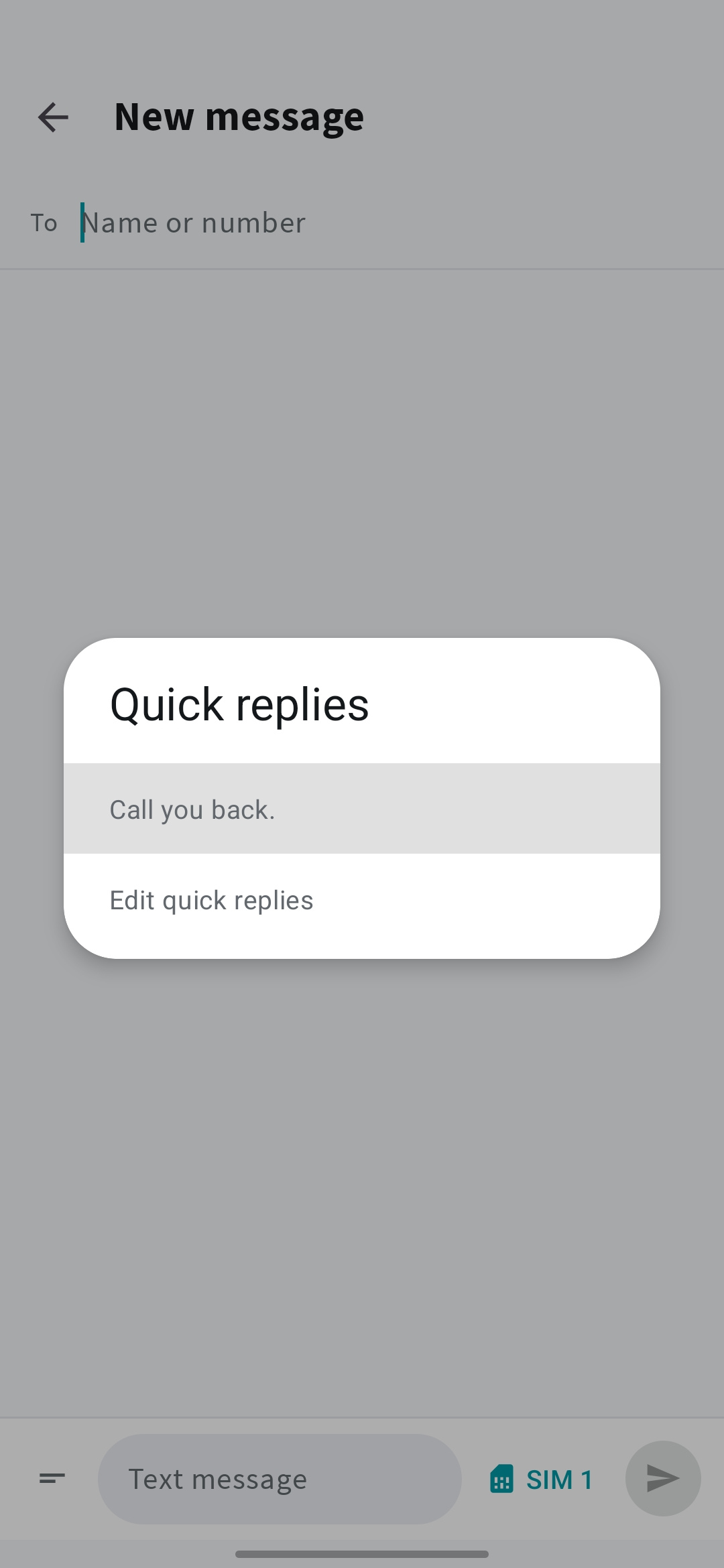
06Quick replies
Reply straight from the notification.
Reply directly from a notification, or use a saved quick reply for the things you say often. Keep a conversation moving without typing the same message again.
- Reply from notifications.
- Reuse your saved responses.
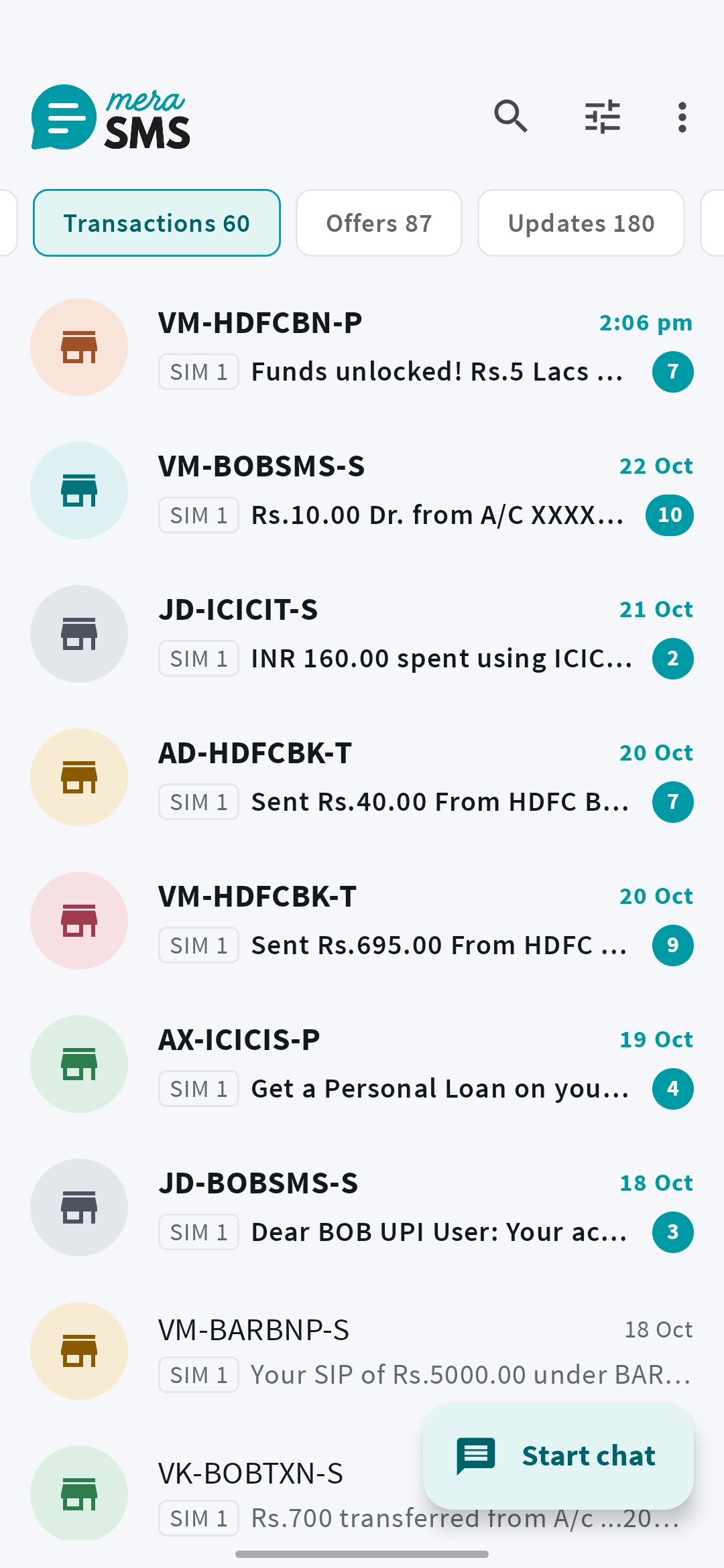
07Inbox categories
Bank alerts, OTPs and offers, kept apart.
Keep personal messages, verification codes, transactions, offers, and updates in useful groups. Sorting happens on your phone, with sender categories you can change.
- Find conversations separately from payment alerts.
- Correct a sender’s category when needed.
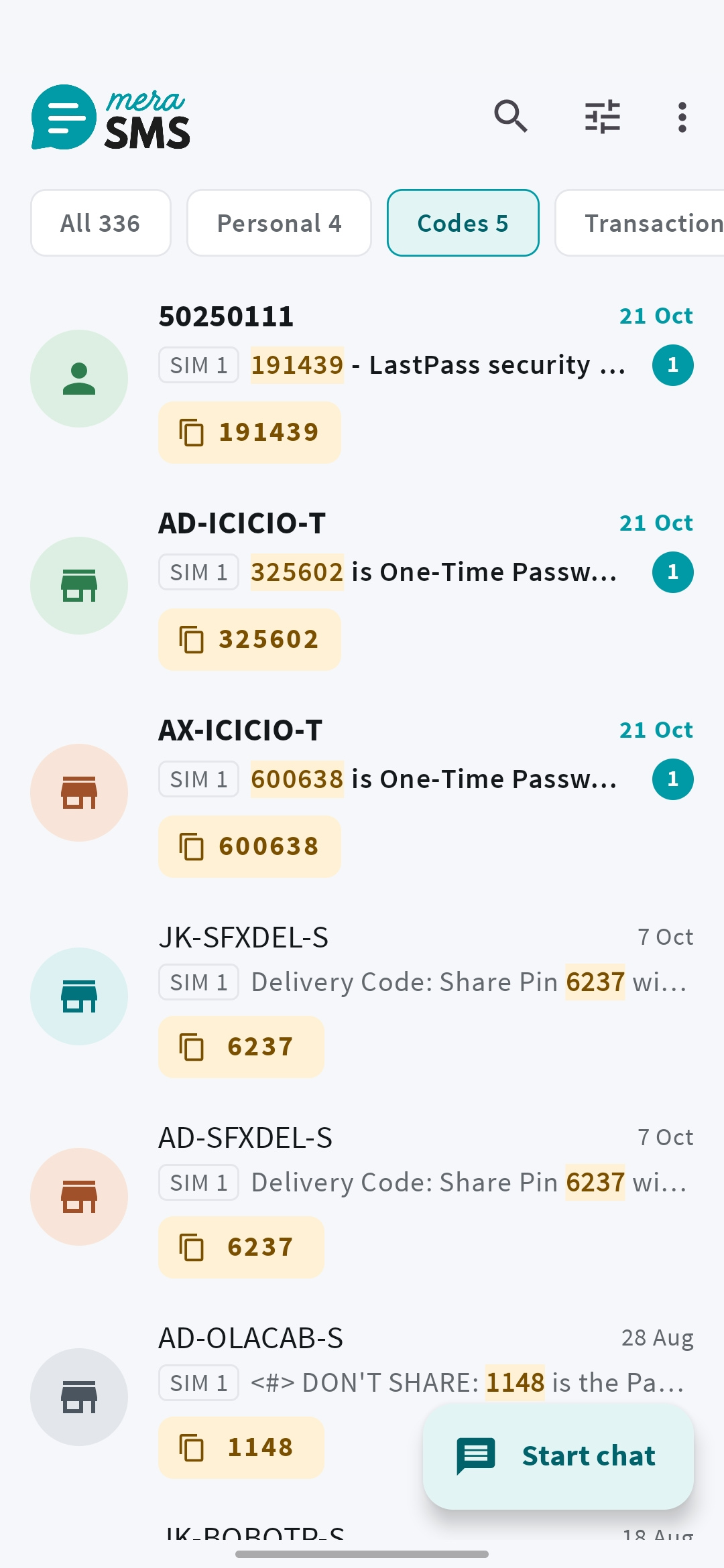
08Copy verification codes
Copy OTPs with one tap.
Verification codes are highlighted with a Copy button, including in notifications. Copy the code you need without searching through a whole conversation.
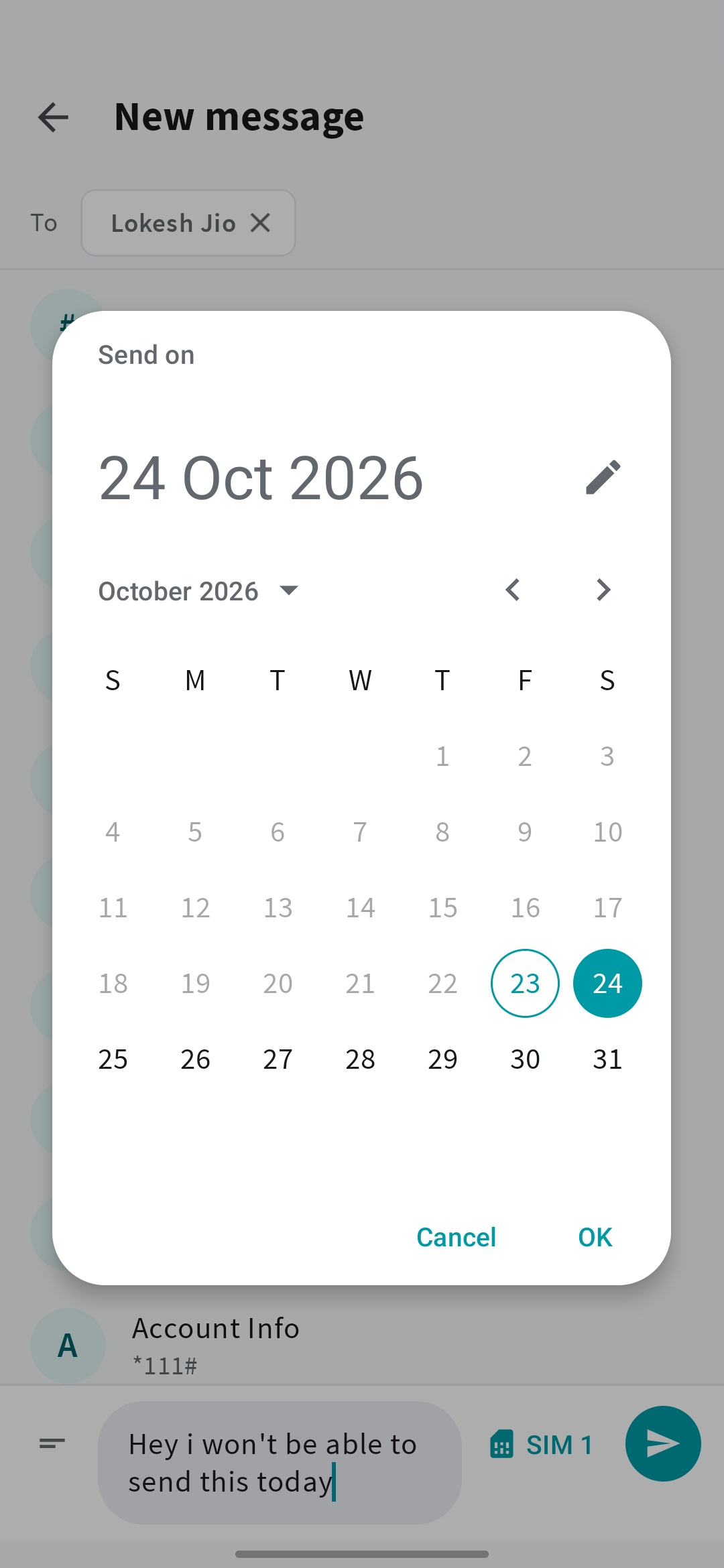
09Scheduled messages
Schedule an SMS to send later.
Touch and hold Send to schedule a text for later. Cancel the scheduled message from its conversation any time before it sends.
Delivery timing is approximate. Android battery and background restrictions can delay sending.
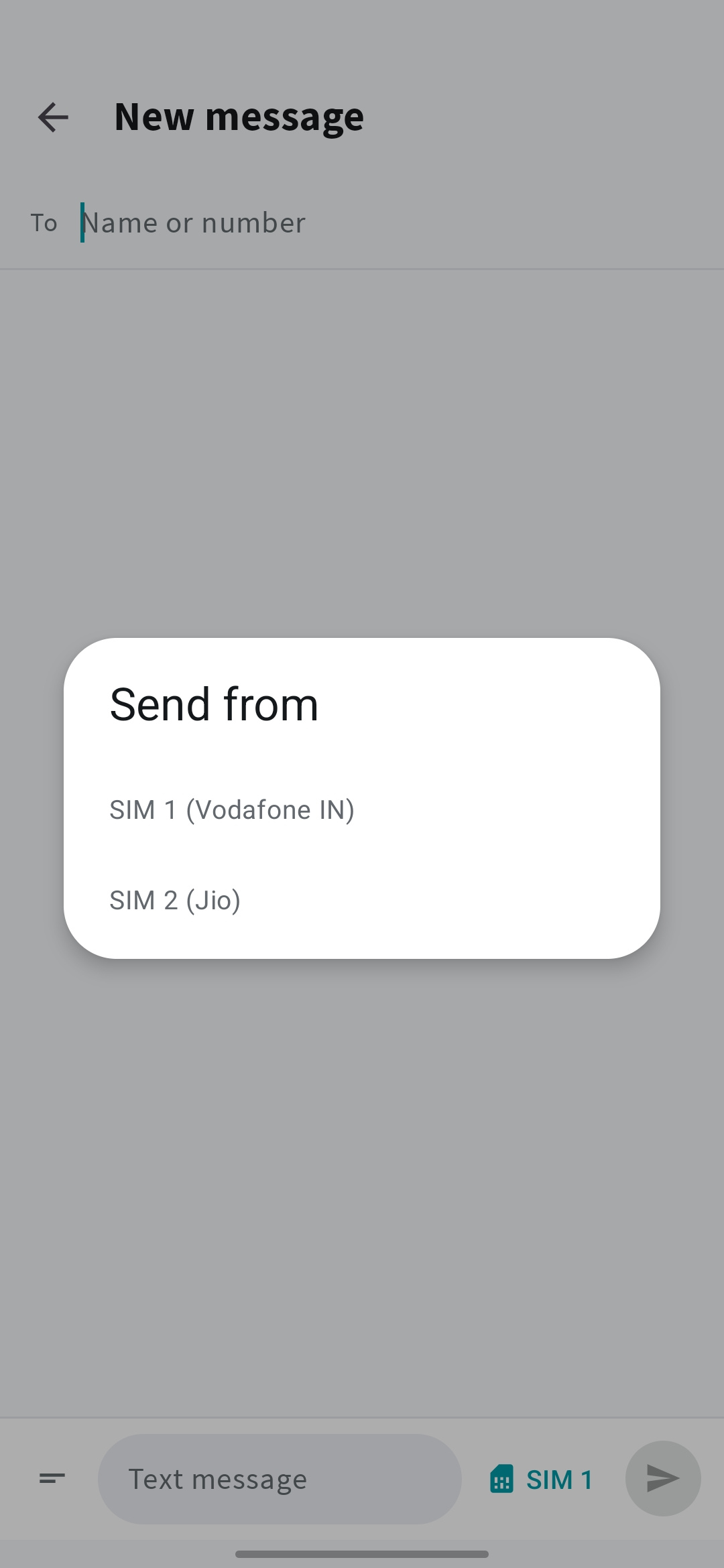
10Dual SIM
Pick which SIM sends each text.
Choose which SIM sends a text on supported dual-SIM phones. Use delivery reports and filter your inbox by SIM when you want to separate messages.
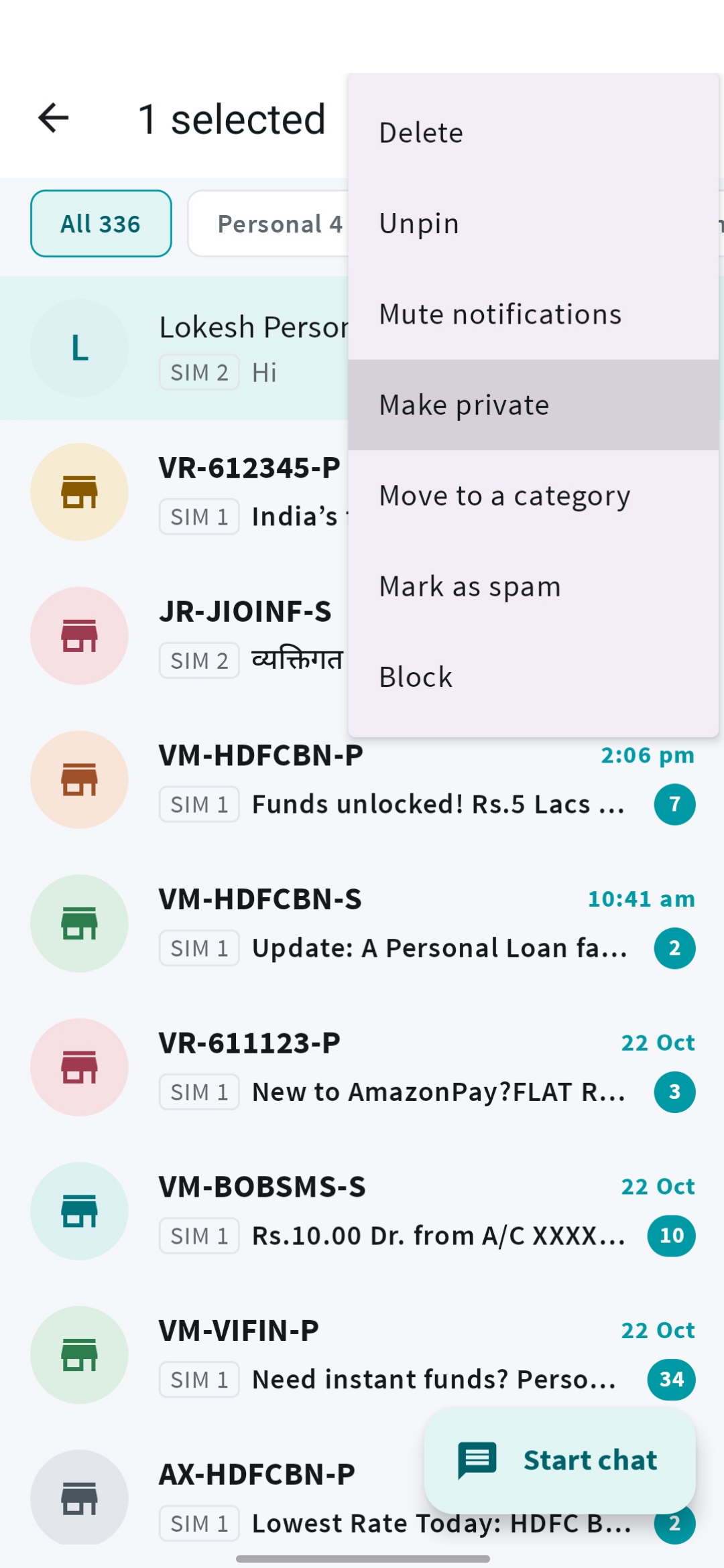
11Private conversations
Hide private chats behind your screen lock.
Move a chat into the private area to hide it from normal lists, search, and notification text. Open it using your phone’s screen lock or biometrics.
This protects access inside the app. SMS is not end-to-end encrypted.
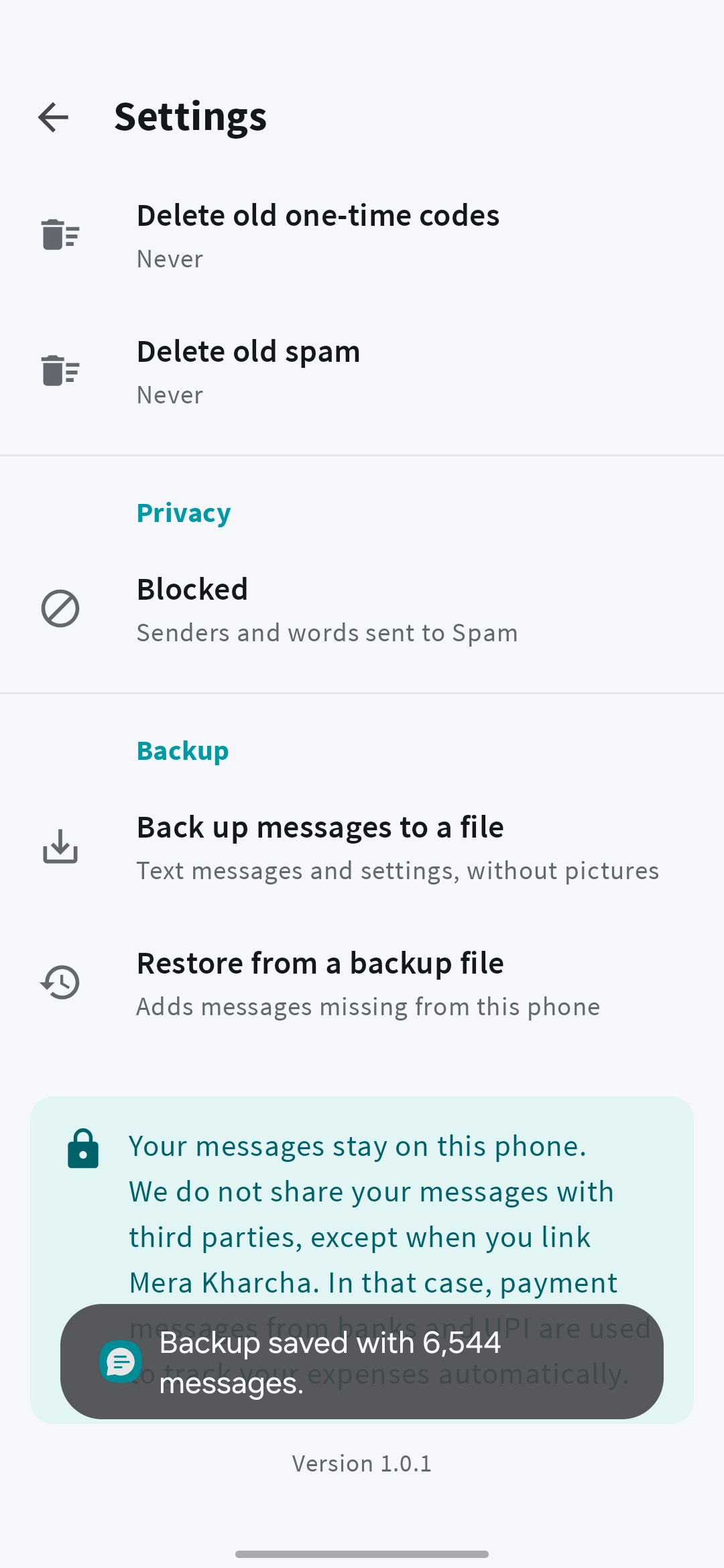
12Backup & restore
Back up and restore your SMS.
Save SMS and app organization settings to a backup file, then restore them later. You can also export a conversation as text.
MMS pictures are not included. Store backups securely: the files contain message content.
13Themes & text size
Dark mode, bigger text and swipe actions.
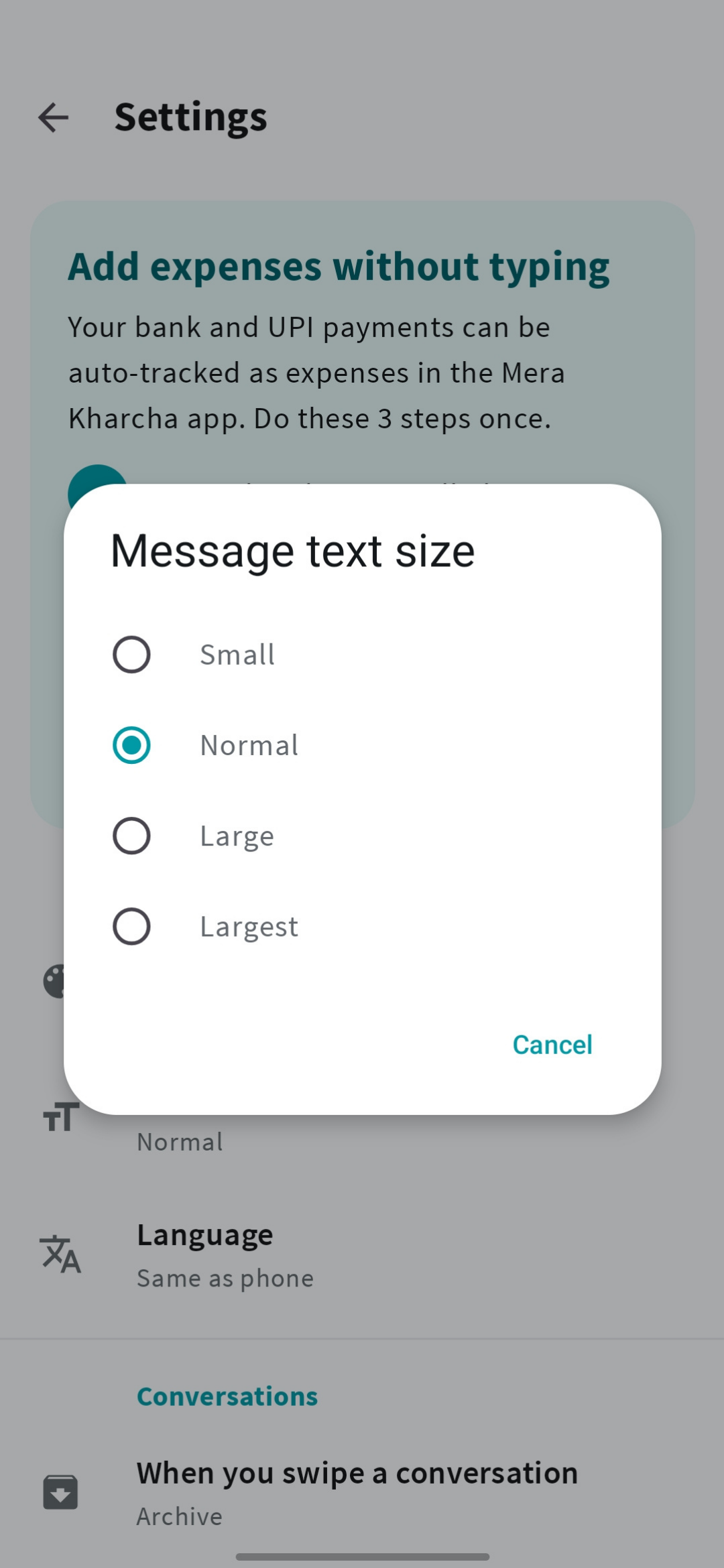
Choose light or dark mode, adjust message text size, and set your preferred swipe action. Tune notifications to match how you use your phone.
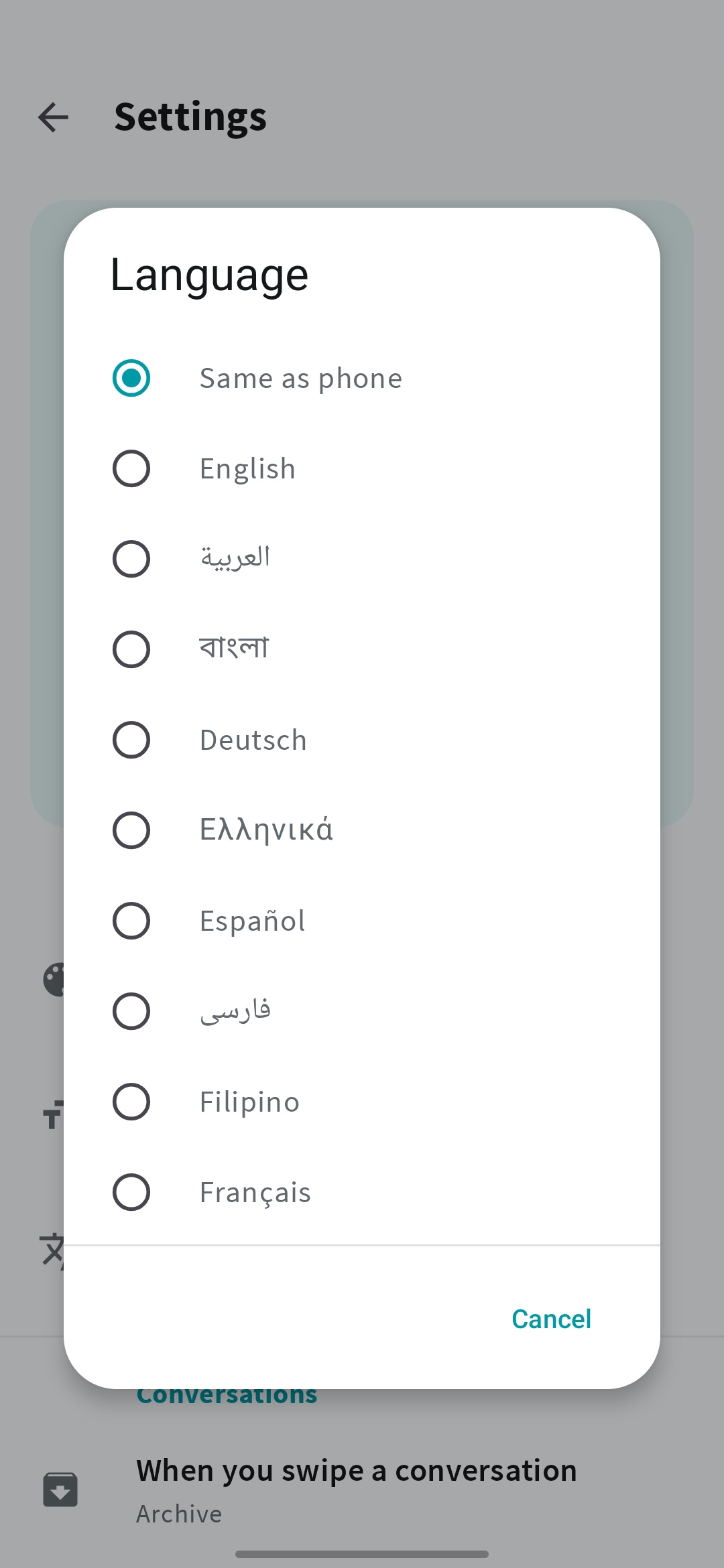
1429 languages
Use it in Hindi, Tamil, Bengali and 26 more.
Choose from 29 languages, including English, Hindi, Bengali, Tamil, Urdu, Arabic, and Spanish. Or let Mera SMS follow the language already set on your phone.
15Optional expense tracking
Turn bank SMS into expenses.
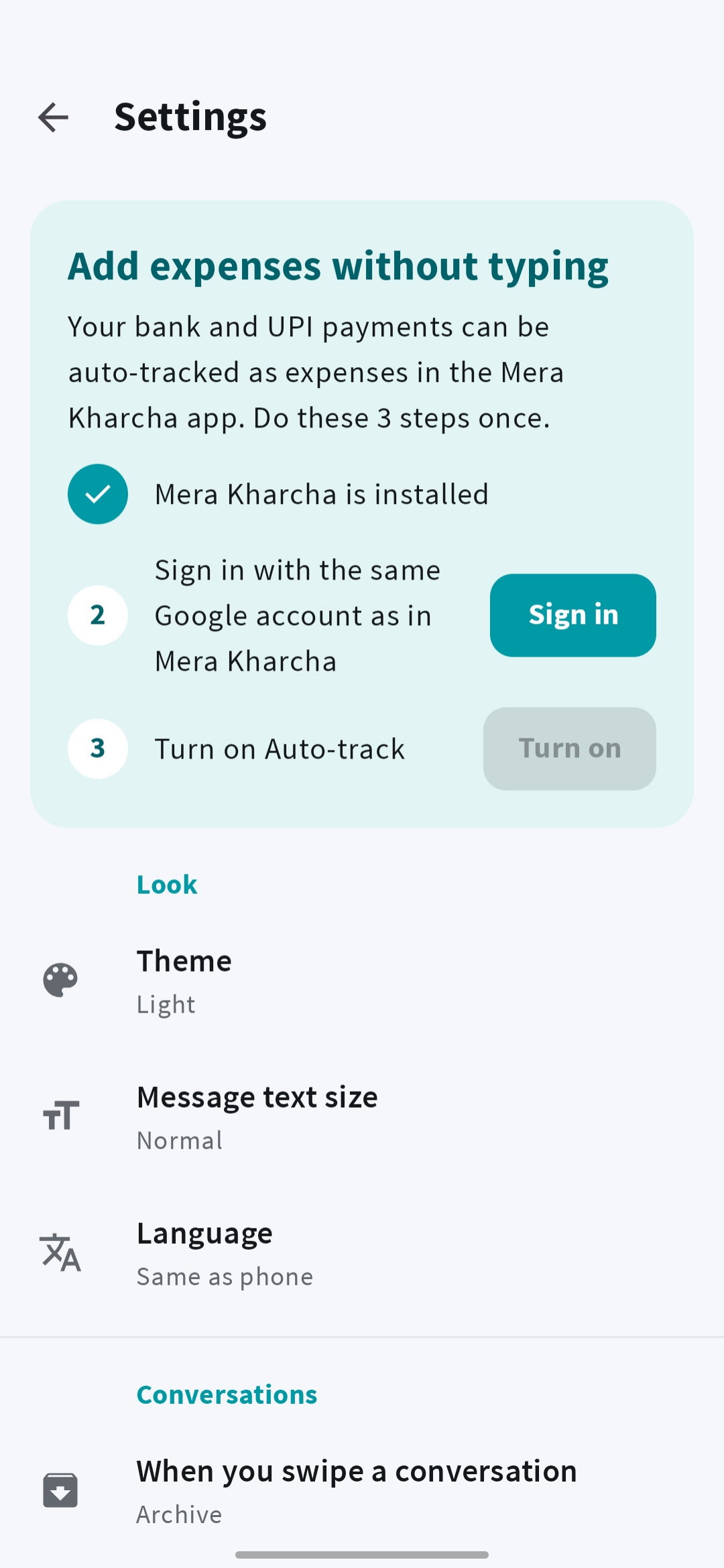
Connect Mera Kharcha to turn eligible bank, card, and UPI payment messages into expenses. Use the same Google account in both apps and enable Auto-track payments in Mera SMS.
- No bank-account linking or bank password.
- Messaging works without an account or auto-tracking.
Optional and off by default. Consent allows eligible payment messages to be sent to our server. Review payments in Mera Kharcha; supported formats vary.
FAQ
Before you make it your default SMS app
Will changing my default SMS app lose my messages?
Your messages remain in Android’s message store. Mera SMS reads that store when it becomes the default app. You can switch back in your phone’s settings. Uninstalling Mera SMS removes its own settings, but does not remove the system’s message store.
Does “private” mean messages are encrypted end to end?
No. SMS and MMS use your mobile carrier’s services. The private-conversation feature controls access inside Mera SMS using your screen lock. It does not change how SMS travels through the carrier.
Do my messages leave my phone?
Ordinary inbox organization happens on your phone. Sending SMS/MMS uses your carrier. If you enable auto-tracking, eligible payment messages go to our server. Ads, crash reporting, and feature configuration also use network services. Read the Mera SMS privacy policy for the full explanation.
Can I use Mera SMS without auto-tracking?
Yes. Auto-tracking is optional and off by default. Leave it off and use Mera SMS for messaging.
Guides on saving money and tracking spending.
All articlesUnderstanding UPI payment alerts
Learn how payment messages can help track expenses.
From the blogBank SMS and spending
Make better use of your payment alerts.
Some articles describe earlier app versions. These product pages explain how the apps work today.
Get a cleaner
SMS inbox.
Get Mera SMS
Available for Android. Free with ads.